
Website Performance and Accessibility
What an Automated Accessibility Audit Catches (and What It Still Misses)
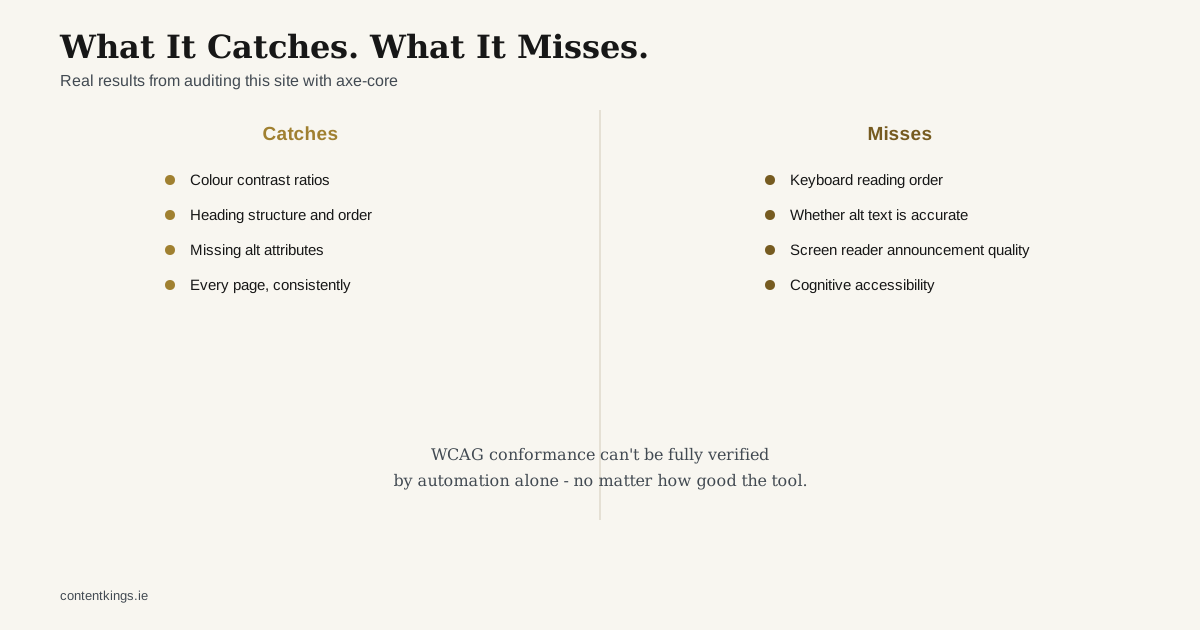
“Can accessibility testing be automated?” has a genuinely useful answer: partly, and knowing exactly which part is what makes automated testing worth running at all, rather than either over-trusting it or dismissing it.
What automated testing actually caught on this site
Running axe-core (the same engine behind Lighthouse’s accessibility score) against every page of this site found four real, specific issues, not false positives:
- A text colour used on light backgrounds that only passed contrast requirements on dark ones - 3.73:1 against a 4.5:1 requirement, copy-pasted from a dark section into five light-background sections without the colour being adjusted
- The exact same contrast mistake on a different page’s timeline labels, same root cause
- Two index pages skipping a heading level (jumping from
<h1>straight to<h3>), which breaks the logical structure a screen reader user relies on to navigate - Images served without the responsive resolution variants that make them render crisply on high-DPI screens - not strictly a WCAG failure, but a real quality gap the audit caught anyway
Each of these was a genuine, fixable bug a developer could easily miss on a visual review, because they all look fine to someone without a screen reader and without deliberately checking contrast ratios. That’s exactly the category of problem automated testing is good at: objective, measurable rules, checked mechanically and consistently across every single page, which no amount of careful manual spot-checking reliably achieves at scale.
What it can’t check, and never claimed to
This is the part that’s worth saying plainly, because it’s where over-trusting an automated score causes real problems:
Logical reading and tab order through complex interactions. Automated tools can confirm elements are technically focusable and labelled; they can’t confirm that tabbing through a page actually makes sense to a real person using only a keyboard.
Whether alt text is actually accurate, not just present. A tool can confirm an alt attribute exists; it can’t confirm the text inside it correctly describes the image’s purpose in context.
Screen reader announcement quality. Whether a dynamic update, a form error, or a modal dialog is actually announced in a way that makes sense out loud is something only an actual screen reader walkthrough reveals.
Cognitive and plain-language accessibility. Whether content is genuinely understandable to someone with a cognitive disability isn’t something a contrast checker or heading-structure validator has any way to assess.
Context-dependent judgement calls - whether a particular colour choice, animation, or interaction pattern is actually a problem for a specific disability often needs a human, sometimes specifically someone with lived experience of that disability, not a rule engine.
Every serious accessibility testing resource says some version of this, and it’s not a hedge - WCAG conformance genuinely cannot be fully verified by automation alone, no matter how good the tool.
The honest way to use it
Run automated testing on every page, every time, because it’s free, fast, and catches a real category of objective errors with no manual effort - this site’s build pipeline does exactly that. Don’t stop there. A manual keyboard-only pass and, ideally, genuine screen reader testing catch an entirely different category of problem that automated tools structurally cannot. This site has had the automated pass; the manual walkthrough is explicitly logged as not yet done, because saying “we ran axe-core” and implying “therefore it’s fully accessible” would be the exact overstatement this piece is arguing against.
If you want an honest accessibility and performance audit of your own site - including a clear line between what was automated and what wasn’t - that’s part of website design and development work here.